For Shopify store owners
Shopify lifestyle images without a photo shoot.
Plain white-background shots convert fine on a product page, but they do not stop a scroll. Upload one and get styled scenes for your gallery, emails and ads. Try it free.
Try it freeNo signup. Free results in about a minute.
 BeforeAfter
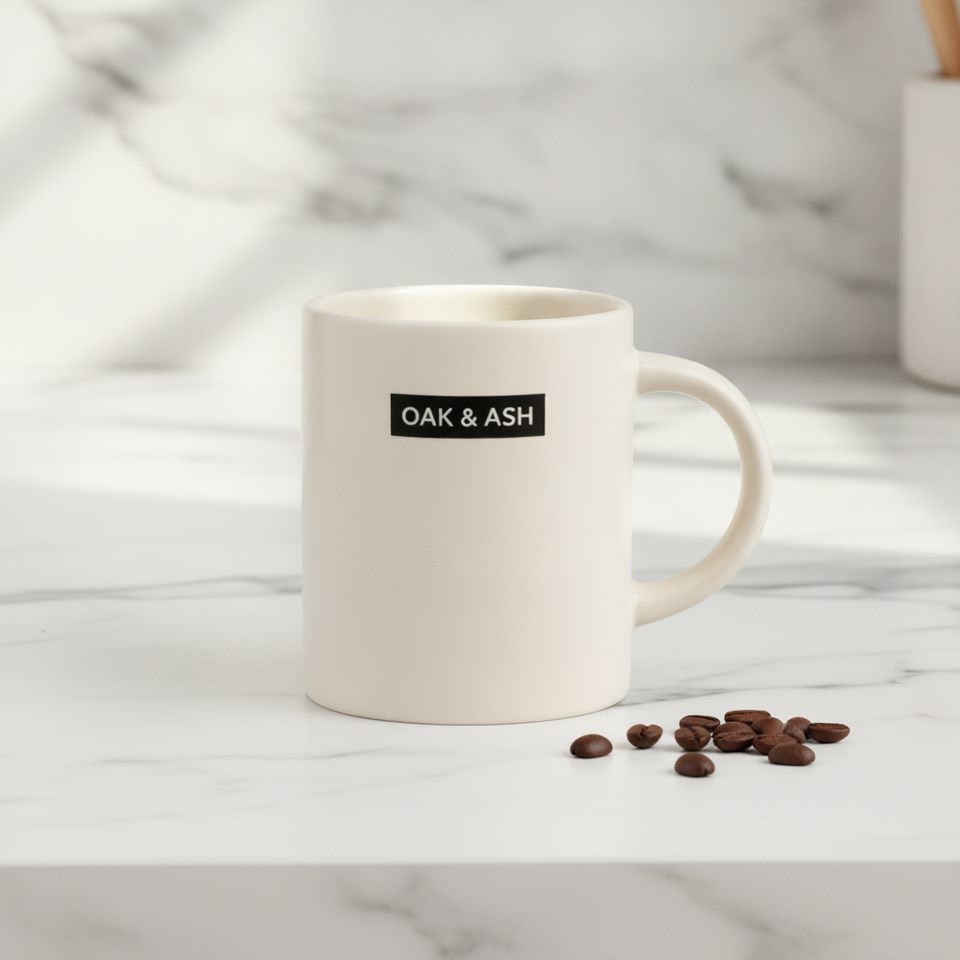
Real outputs from our test runs with products we made for testing. Nothing was retouched.
Try it free. No signup.
FreeDrop one product photo here
A plain photo of one product on any background. JPEG, PNG or WebP. Photos of people are not supported.
Your scenes
Free images are 1024 px with a small watermark. for full size and no watermark.
Free: 4 scenes a day. Pro: 60 full-size images a month for $15.
How it works
Upload one photo
A plain product photo is enough. It is shrunk to 1536 px in your browser and stripped of EXIF data (GPS, camera, dates) before it is sent.
Pick your scenes
Marble counter, cozy bedroom, flat lay, outdoor, studio gradient, held in hand. Add an optional style note of up to 120 characters.
Download
Scenes appear one by one as they finish, usually within a minute. Save them one at a time or all together as a zip.
The six scenes
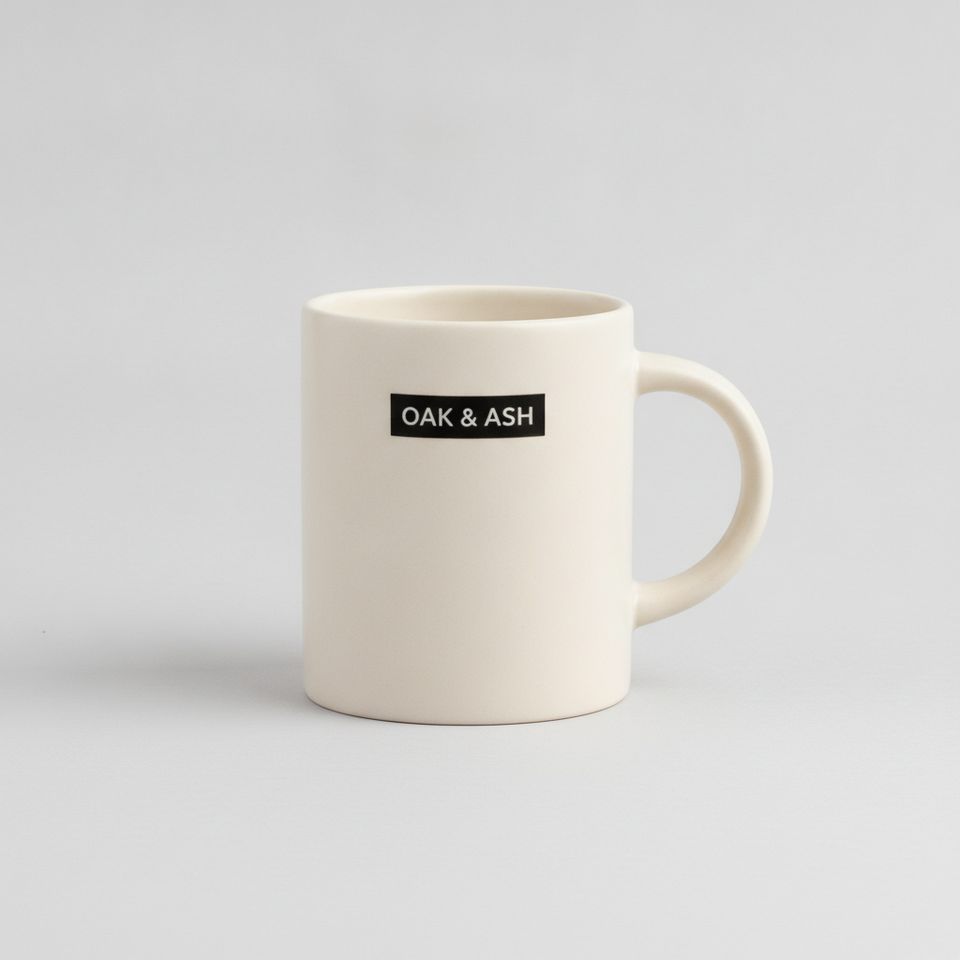
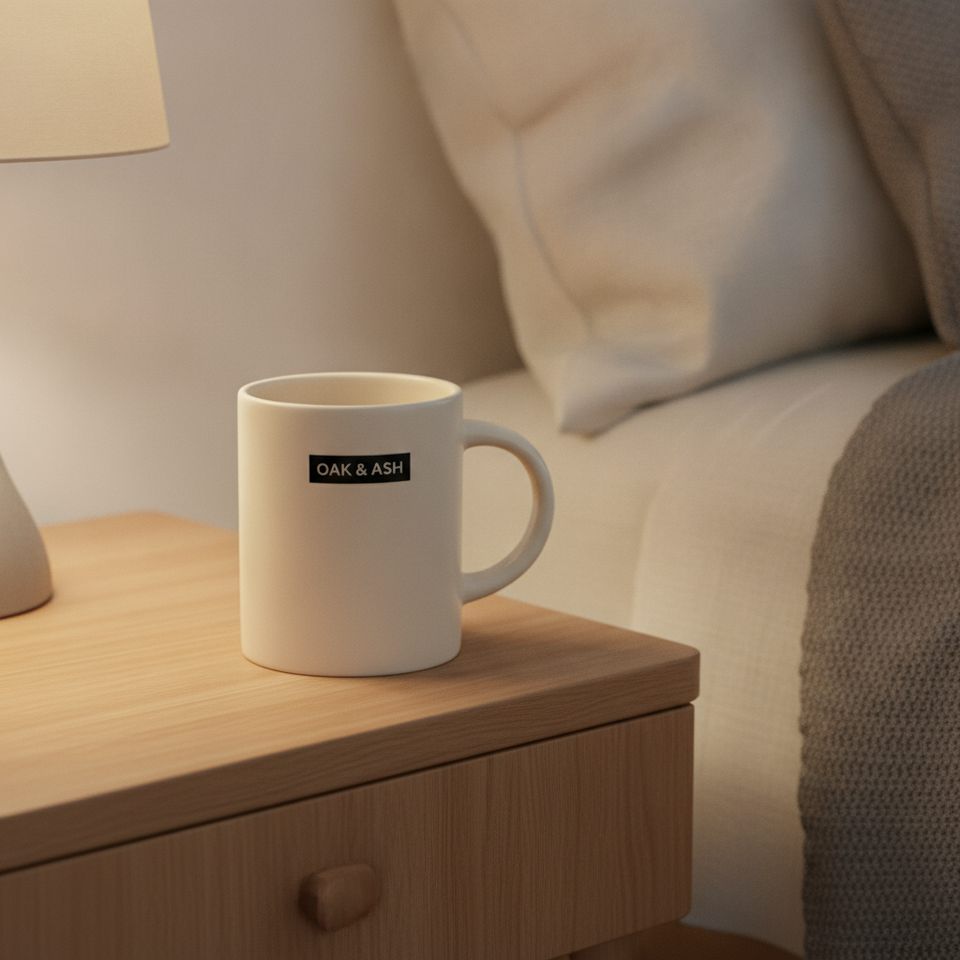
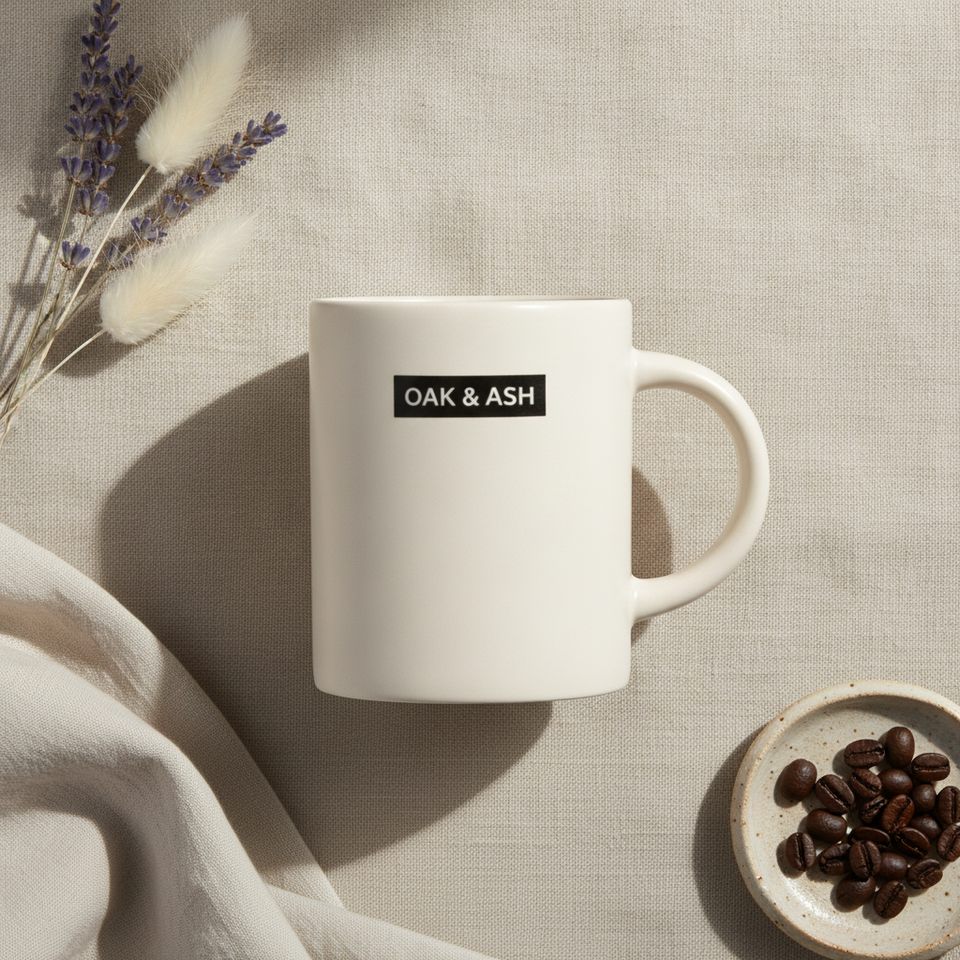
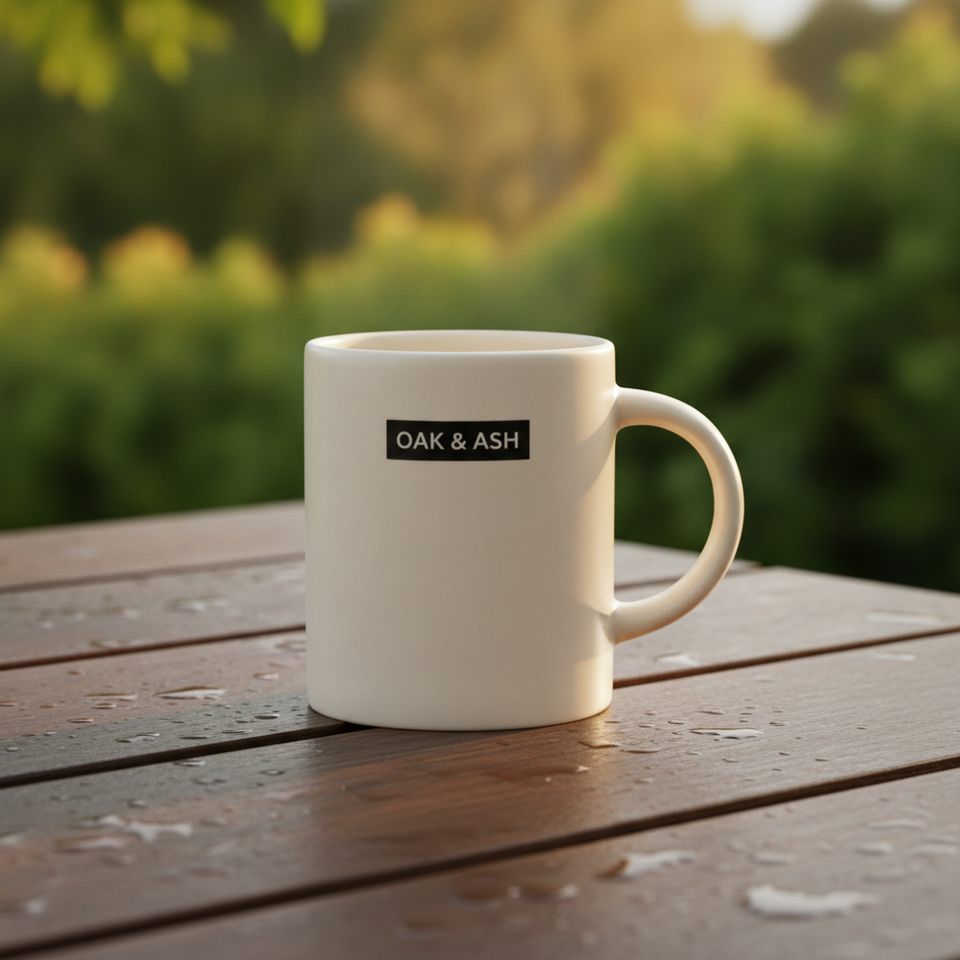
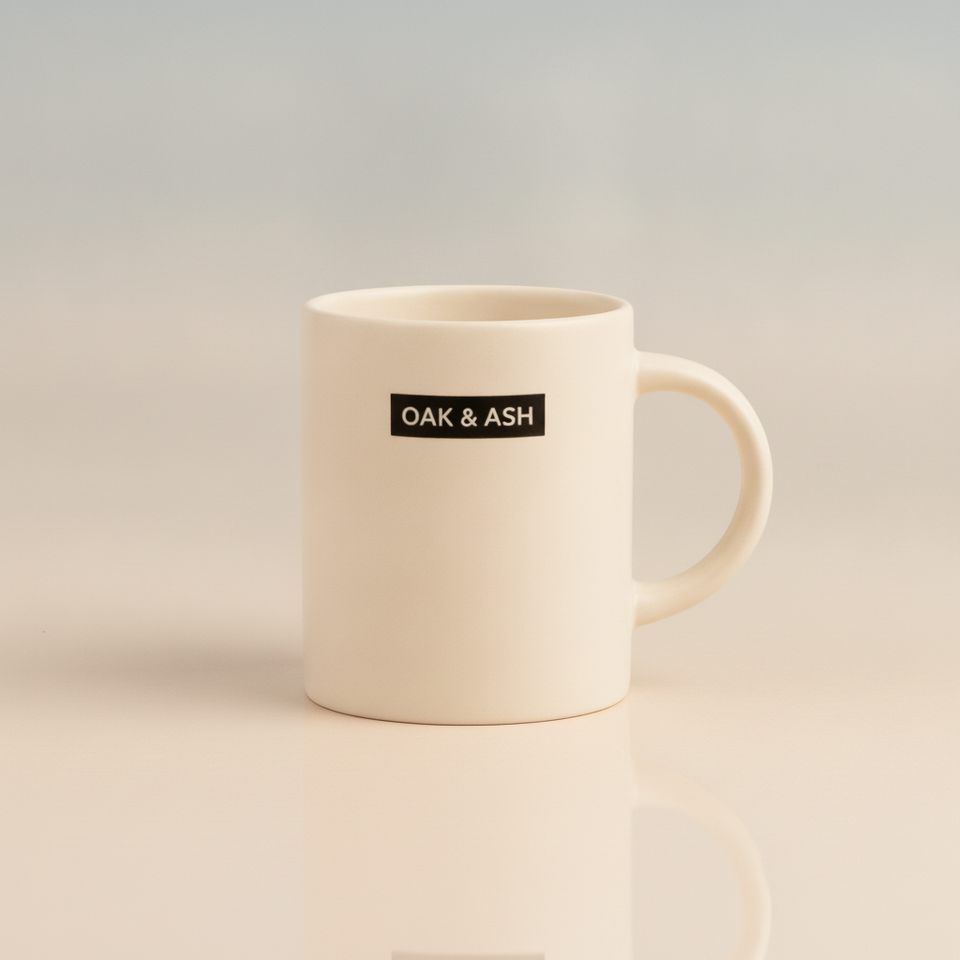
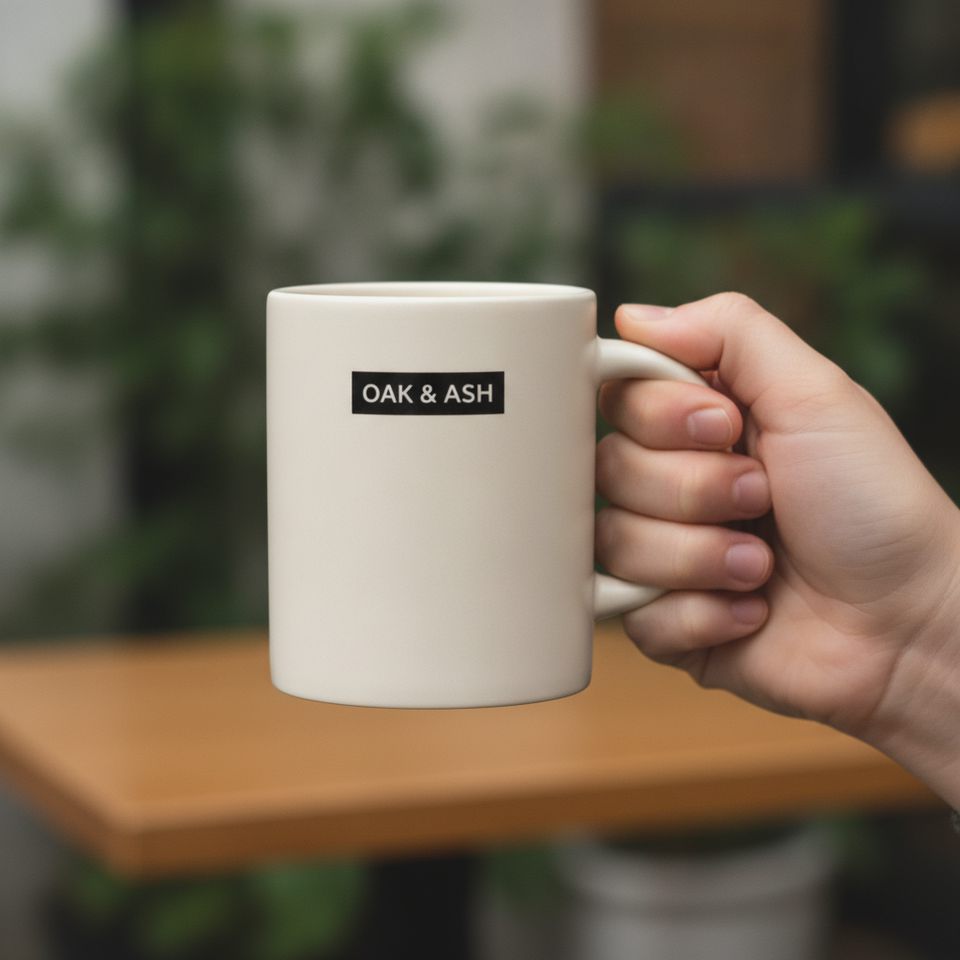
One plain mug photo in, six different settings out. Same mug, same label, every time.
Fill out the gallery and the ads
A product page with five consistent images feels more trustworthy than one. Use the studio gradient scene for a clean second image, the in-hand scene to show scale, and the counter or bedroom scenes for ads and email. Export all of them in one zip.
Pricing
Pro $15/month
- 60 images a month (10 runs of 6)
- Full resolution, no watermark
- Up to 6 scenes per run
- Cancel any time
Payment is handled by Creem on its own checkout page; Plainsum never sees your card. After paying you get a license key by email and paste it on the activation page. Your 60-image allowance counts from your first Pro run and refills 30 days later. Images that fail to generate are not counted. There are no extra packs yet.
Questions
What size are the images?
Square or portrait. Free images are 1024 px on the long side with a watermark; Pro images are the model's full output, which in our tests was about 1,250 px for a square image. Product pages and social posts are fine at that size; very large banners may need upscaling.
Will my product stay accurate?
The AI is told to copy your product exactly: shape, color, label text and logo. In our test runs with a mug and a candle jar, the product and its label text came through unchanged in every scene. AI can still slip, mostly on small print, fine patterns and unusual shapes, so look at every image before you publish it. A scene that comes out wrong is easy to spot, and you can run it again.
Can I use the images commercially, on my listings and in ads?
We make no claim on your images, and you can use them for your shop and your ads. The images are made through kie.ai. Its terms say you keep ownership of what you upload. They do not address generated images, and the underlying image models have their own terms. Only upload photos you own or have the right to use. Some marketplaces and ad platforms have rules on AI-generated images, so check yours.
What do I get for free?
One run a day per browser: up to 4 scenes at 1024 px with a small watermark, and no signup. If a free run is not possible (the daily free capacity is shared and can run out), the page says so.
What does Pro cost and include?
$15 a month for 60 images a month at full resolution, no watermark, up to 6 scenes per run. Images that fail to generate are not counted. You can cancel any time.
Does it add people to my photos?
No faces. The "held in hand" scene shows a hand and forearm only. Please do not upload photos of people; this tool is built for products.
What happens to my photo?
It is shrunk and stripped of EXIF in your browser, sent to our server, passed to the AI provider to make the scenes, and deleted from our server when the run finishes. Results are kept for up to an hour so you can download them. See the privacy page for the details, including what the AI provider sees.
How long does it take?
A free run usually finishes within a minute, and scenes appear one at a time as they are ready. Pro runs use a slower, more detailed model and can take a little longer.